Step-by-step procedure
1Material, color and thickness
Choose the material first. The system only shows colors and thicknesses linked to that combination. If you change one entry, check the next ones again.
2Shape dimensions
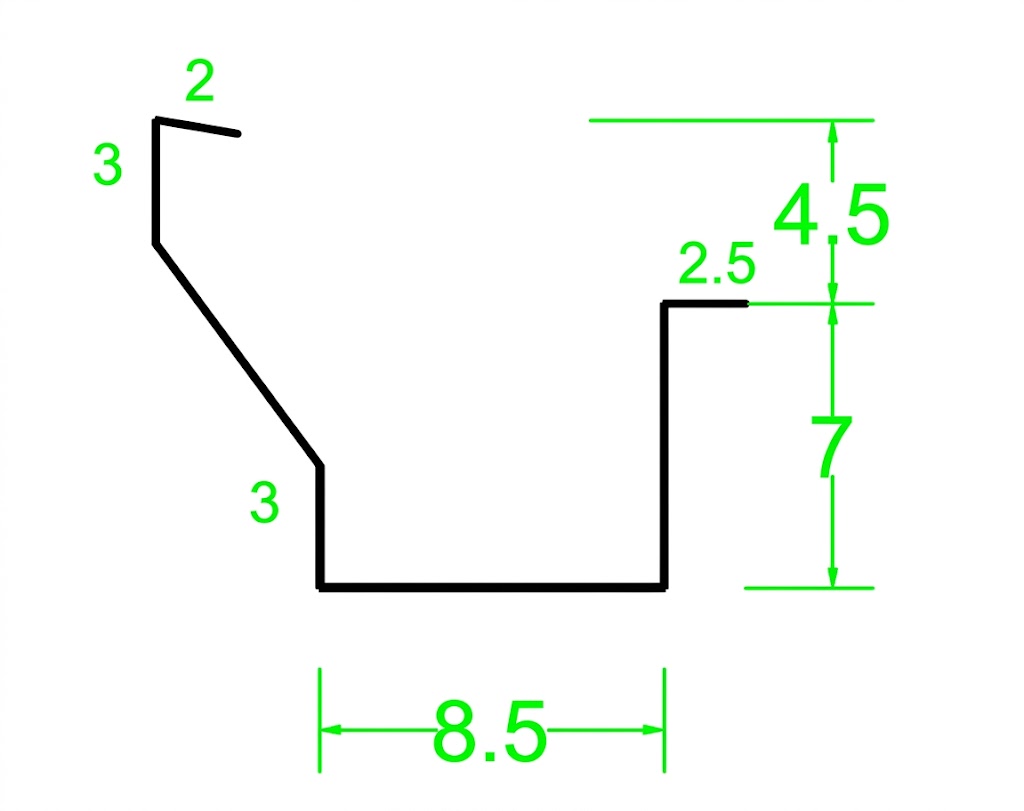
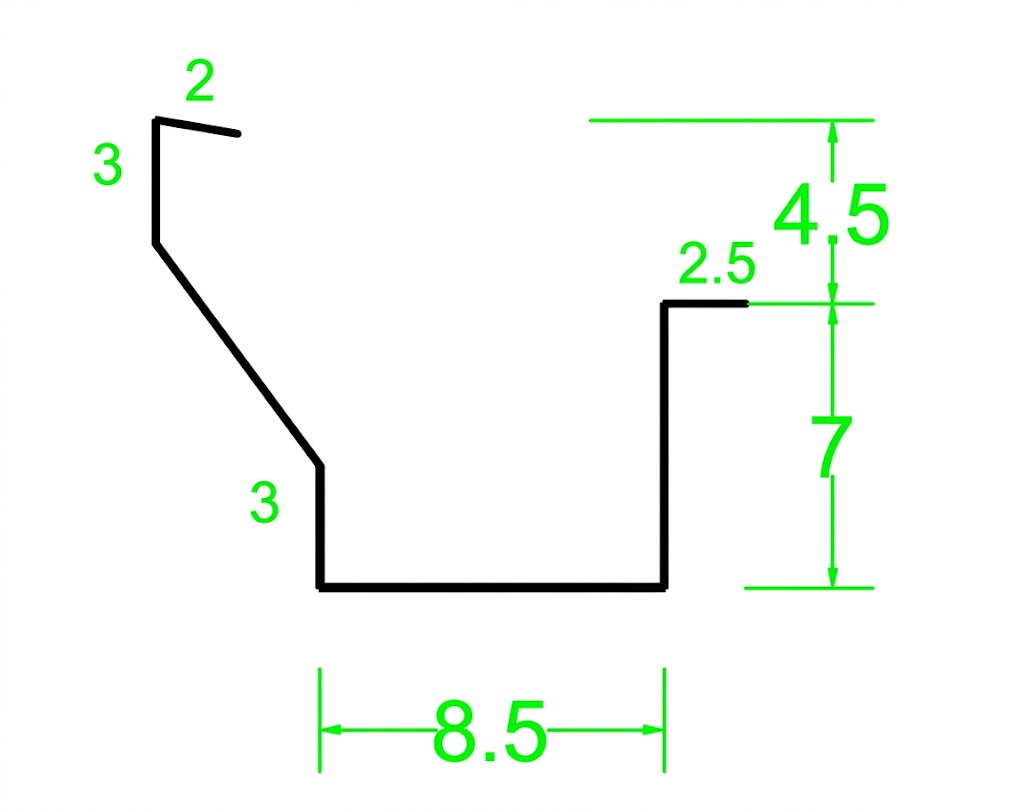
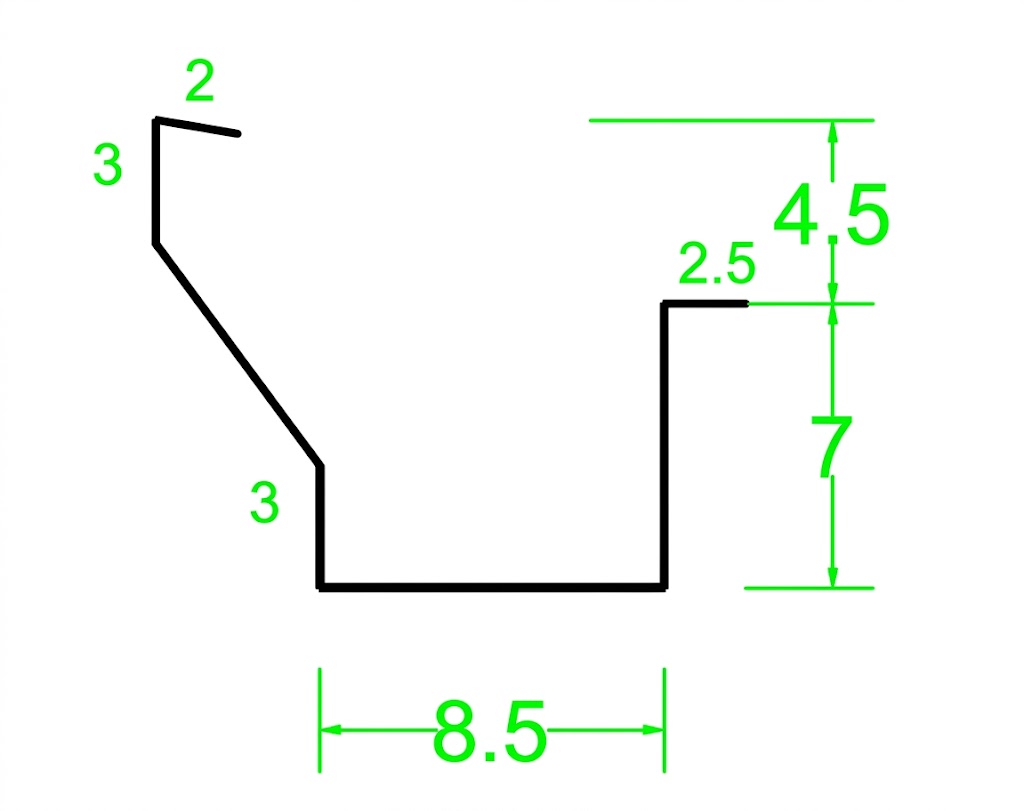
In custom-made products, enter the dimensions in centimeters respecting the diagram. Constraints prevent non-producible shapes. In standard products the shape remains predefined.
3Development
Choose whether to keep the dimensions, adjust one dimension or use the most economical developed width. Always check the resulting dimension summary.
4Lengths and quantities
Add a line for each desired length and indicate the number of pieces. Some items use a custom min/max range; others show only selectable fixed lengths.
5Adding to cart
Correct any red messages, check the price and add the product. If you are editing it, the cart updates the existing row.